
Innova 5610: Engine Oil Life & Oil Life Remaining
Viewing Engine Oil Life & Oil Life Remaining
The Service Check function will let you check your vehicle's Engine Oil Level & Oil Life Remaining. (Coverage depends on year, make, model, and engine size of vehicle)
Step 1 - Press the M button

- To navigate to Service Check, press the M button.
Step 2 - Select Service Check
|
|
|
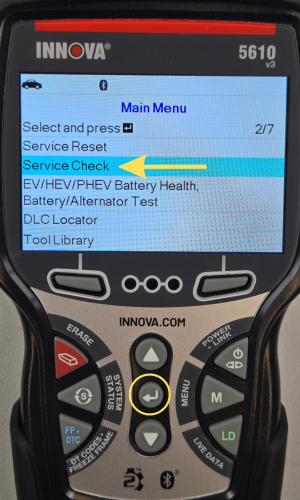
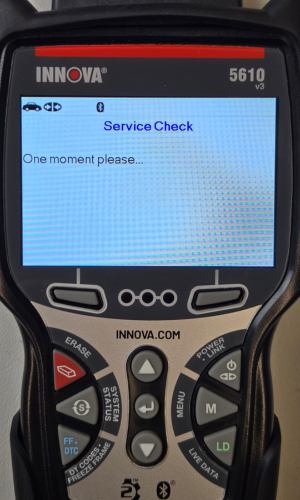
- The Main Menu will display.
- Scroll down the screen using the DOWN ▼ button to Service Check, then press ENTER ↵.
Step 3 - View your Service Check Information
|
|
|


- Engine Oil Level & Oil Life Remaining will display.
- Press the Back button to return to the Main Menu.