
Innova 5610: Brake Pad Life
Brake Pad Life
The Service Check function will let you view your vehicle's Brake Pad Life. (Coverage depends on year, make, model, and engine size of vehicle). https://www.innova.com/pages/coverage
Step 1 - Press the M button

- To navigate to Service Check, press the M button.
Step 2 - Select Service Check
|
|
|
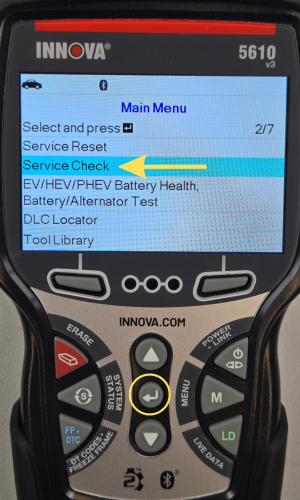
- The Main Menu will display.
- Scroll using the DOWN ▼ button to Service Check, then press ENTER ↵.
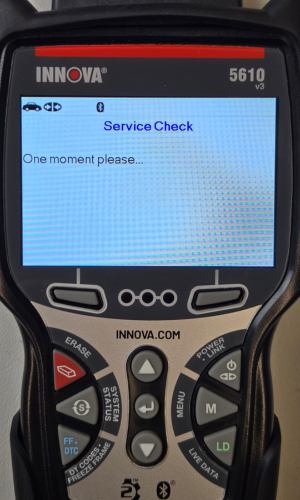
- A One moment please message will display.
Step 3 - View your Service Check Information

- Brake Pad Life will display as the first option to view.
- When you have finished viewing your Service Check information, press the Back button to return to the Main Menu.