
Innova 5610: Odometer
Odometer
The Service Check function will let you view your vehicle's Odometer. (Coverage depends on year, make, model, and engine size of vehicle). https://www.innova.com/pages/coverage
Step 1 - Press the M button

- To navigate to the Service Check feature, press the M button.
Step 2 - Select Service Check, then press ENTER ↵
|
|
|
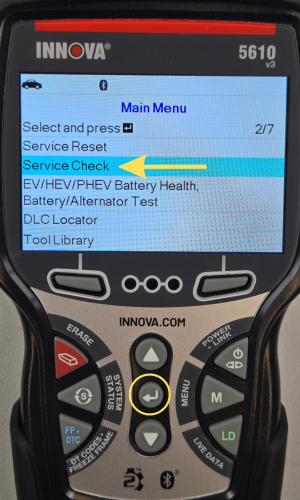
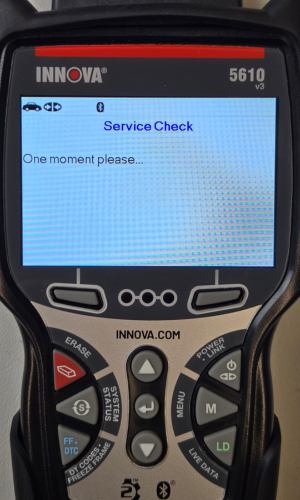
- The Main Menu will display.
- Scroll down the screen using the DOWN ▼ button to Service Check, then press ENTER ↵.
- A One moment please message will display.
Step 3 - View your Service Check Information

- Odometer will display as the first option to view. When you have finished viewing your Service Check information, press the Back button to return to the Main Menu.